
Insight
The Leadership Transition Problem: Why Orgs Lose Months Every Year
Most community organizations reset every year or two when leaders turn over. Here's why organizational memory keeps walking out the door — and how to stop it.


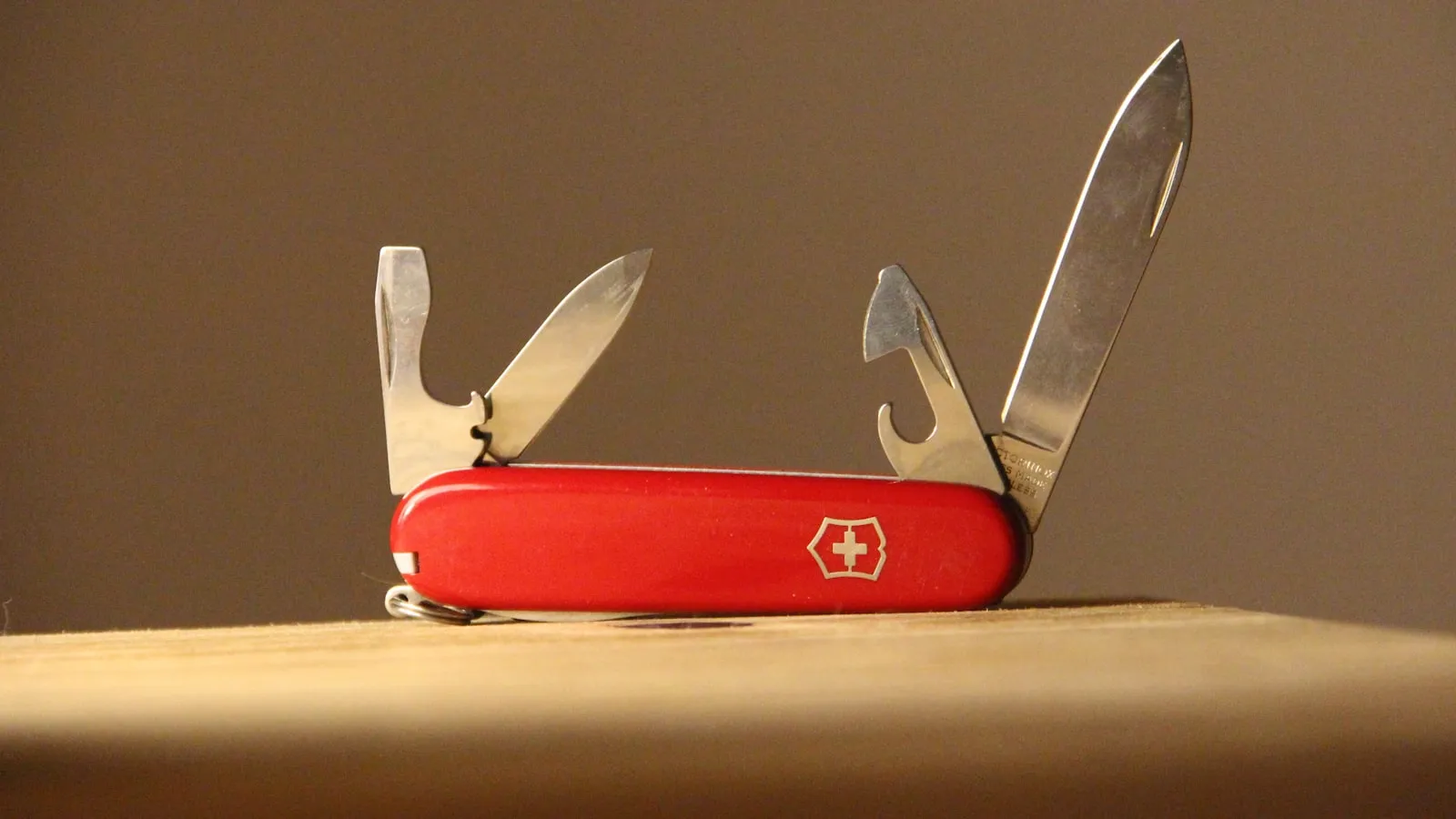
Open the bookmarks bar on whatever laptop your organization runs on. Or open the shared drive. Or just try to onboard a new treasurer.
If you're like most clubs and nonprofits, the answer to "how do we keep this thing running?" is a list. The roster lives in a Google Sheet. Dues come in through Venmo. The budget is a second spreadsheet that only one person really understands. Event RSVPs go through a Google Form. Announcements go out by Mailchimp, or by mass text, or both. Meetings get scheduled with when2meet. And the link in your Instagram bio points to a Linktree that points to all of the above.
None of those tools is bad. Google Sheets is a fine spreadsheet. Venmo is a fine way to send money to a friend. Mailchimp is a genuinely good email tool. The problem isn't any one of them. The problem is that you're running an organization on seven of them at once — and none of them know the others exist.
We've written before about the nonprofit tech stack problem: the slow accumulation of free tools that each solve one slice of the job and quietly create work everywhere they touch. This post is the practical version. Here are seven specific jobs your organization is probably doing across seven tools — and what changes when they live in one place.
The patchwork: A spreadsheet. Maybe two, if last year's officers left one behind. New members get added by hand. Emails get out of date. Nobody's totally sure who's actually still active.
A roster spreadsheet is fine until it has to do anything. The moment you want to know who paid dues, who showed up to the last three events, or who's eligible to vote in elections, the spreadsheet just sits there. It's a list of names. It doesn't connect to your money, your events, or your messages — so you end up cross-referencing it against the other six tools by hand.
In OEASE: Your roster is the spine of the platform, not a static list. Every member record is a real profile that the rest of your organization reads from. When someone pays dues, their record updates. When they check in at an event, that's logged against the same record. When leadership changes, the data doesn't graduate and leave with them. The roster stops being a thing you maintain and becomes a thing that maintains itself, because everything else feeds it.
The patchwork: Venmo or PayPal, plus the spreadsheet from job #1. Someone posts the Venmo handle in the group chat. Money trickles in with notes like "🍕" and "dues??" and "from my roommate's account." Then a human reconciles those payments against the roster, by hand, hoping nobody paid twice or not at all.
Venmo is great for splitting a dinner bill. It is not built to tell you which of your 80 members has paid this semester. That reconciliation — matching a payment to a person, then marking them paid on the roster — is pure manual labor, and it's where errors creep in.
In OEASE: Dues collection is wired directly to the roster. A member pays, and their record is marked paid automatically — no one types anything into a spreadsheet. You can see at a glance who's current and who's overdue, because the payment and the person are the same record. This is the integration win in its purest form: the act of getting paid is the act of updating your books. (For how the money itself moves, we wrote a whole piece on making organization finances simple.)
The patchwork: A finance spreadsheet, separate from the roster, separate from the payment app. Dues income gets copied in from Venmo. Event revenue gets copied in from somewhere else. Expenses get typed in from receipts in someone's email. At the end of the year you hand the next treasurer a file and a prayer.
The trouble with a finance spreadsheet is that it's downstream of every other tool and connected to none of them. Every number in it was carried over by hand from somewhere else, which means every number is one typo or one forgotten entry away from being wrong. And when the treasurer graduates, the institutional knowledge of "what this tab means" graduates too.
In OEASE: Income flows in from the same system that collected it. Dues, ticket sales, and registration fees land in your finance view automatically, sorted into budget pockets, because they came from inside the platform — not from a copy-paste. You're not rebuilding your financial picture from seven sources; you're reading one that assembled itself as money moved. New treasurers inherit a living system, not a mystery spreadsheet.
The patchwork: A Google Form for RSVPs, maybe Eventbrite if you're selling tickets, and a printed list (or a frantically-scrolled spreadsheet) at the door. RSVPs land in yet another sheet. Ticket money lands back in PayPal. Check-in is someone with a clipboard crossing off names.
Each of these tools is fine on its own. Eventbrite sells tickets well. Google Forms collects responses well. But none of them know who your members are, so your attendees are strangers to the rest of your system. The person who bought a ticket isn't linked to the person on your roster, isn't linked to the dues they paid, isn't linked to anything. You're collecting the same people's information over and over because no tool remembers them between events.
In OEASE: Events live next to your members. When someone registers, they're a known person, not a fresh form submission. Paid tickets flow into the same finance view as your dues. And check-in is a QR scan on your phone that marks attendance against the member's record — so "who came to our last event?" is a question your roster can answer, not a clipboard you have to dig up. The event isn't an island. It's connected to the people and the money it involves.
The patchwork: Mailchimp for email, a group text or GroupMe for the urgent stuff, and a manual export of email addresses from the roster spreadsheet every time the list changes.
Mailchimp is a capable email tool. But it's a separate tool, which means its contact list is a separate copy of your roster — one that's stale the moment a member joins or leaves. You're exporting addresses out of one system and importing them into another, then doing it again next month. The list and the organization are perpetually out of sync.
In OEASE: Announcements pull straight from your live roster. There's no export, no import, no separate contact list to keep current — the people you can message are your members, automatically. Add a member today and they're reachable today. The communication tool and the membership system are the same system, so they can never drift apart.
The patchwork: when2meet, Calendly, or Doodle, depending on who's organizing. A link gets dropped in the group chat. Some people fill it out, some reply by text, and the poll itself belongs to no one — anyone with the link can edit or delete it.
We've made the full case for why meeting scheduling is broken for organizations, so we'll keep it short here: these tools treat every poll as a one-off between strangers. They don't know your team exists. The poll floats in the void, gets lost, and next month you start from zero with a brand-new link.
In OEASE: Time Polls live inside your organization. A poll is owned by your group, shows your branding, and sits in your dashboard alongside every other poll your team has made. It already knows who your members are, so logged-in members get auto-filled and you can see who's actually on your team versus a guest. The history of how you scheduled things sticks around even after the people who scheduled them move on.
The patchwork: Linktree in the Instagram bio, pointing to the Google Form, the Venmo, the GroupMe, and a flyer. And if you've got a website at all, it's a Wix or Squarespace page someone built once and nobody has updated since.
Linktree is a tidy hub for a stack of links. But that's all it is — a list of buttons that says nothing about who you are. And a hand-built website is worse, because it has to be manually updated and never is: the "upcoming events" still shows last semester's, the leadership page lists officers who graduated. Both are downstream copies of information that lives somewhere else, and both go stale the second that information changes.
In OEASE: Your Bio Page and link-in-bio at oes.bio — and your full website — pull from the same data you already manage. Add an event, and it shows up on your public page. Update your leadership team, and the site reflects it. There's no separate page to remember to edit, because there's no separate page. If your dashboard is current, your public presence is current. The stale-website problem disappears, not because you got more diligent, but because there's nothing left to manually sync.
Here's the same story in one table.
| The job | The patchwork tool | In OEASE |
|---|---|---|
| Member roster | Google Sheet | Live member profiles the whole platform reads from |
| Dues & payments | Venmo / PayPal + the sheet | Payments auto-update the roster and your books |
| Budget tracking | A second spreadsheet | Income flows in from the system that collected it |
| Events & RSVPs | Google Forms / Eventbrite + clipboard | Known members, QR check-in, revenue into finance |
| Announcements | Mailchimp / mass text | Messages pull from your live roster — no exports |
| Scheduling | when2meet / Calendly / Doodle | Time Polls owned by your org, with member auto-fill |
| Link-in-bio & site | Linktree / Wix / Squarespace | Auto-updating Bio Page and website from your data |
And the price for replacing all seven: nothing, in the way that matters. OEASE is free — no tiers, no per-seat pricing, no feature gated behind an upgrade prompt. The platform is sustained by a small 1.3% fee on payments you process through Stripe (on top of Stripe's own 2.9% + 30¢, and paid ticketing adds a 3% service fee). If your organization never processes a payment through OEASE, you never pay us anything — and you still get every one of these tools.
It would be easy to sell this as "seven tabs become one." That's true, and it's nice, but it's not the point.
The point is that on a patchwork stack, your data doesn't connect. Your roster doesn't know who paid. Your payment app doesn't know who came to the event. Your email list doesn't know who joined last week. Your website doesn't know what's happening this month. Every one of those gaps is a place where a human has to manually carry information from one tool to another — and every one of those handoffs is where things go stale, get double-entered, or quietly fall through.
When the seven jobs live in one platform, the carrying stops. A dues payment updates the roster and the budget in the same motion. An event check-in updates a real member's history. A new member is instantly reachable, instantly counted, instantly on the public page. You're not doing less work because you have fewer logins. You're doing less work because the work that used to connect the tools — the copying, the reconciling, the re-exporting — doesn't exist anymore.
That's what we mean when we say technology should liberate human connection, not complicate it. The hours you spend reconciling Venmo against a spreadsheet are hours you didn't spend on the actual mission.
If your organization has been holding seven free tools together with tape and good intentions, you can stop. Set up your organization on OEASE — it's free, and the data finally connects.
Your Link-in-Bio Should Belong to Your Organization, Not a Third Party
Most clubs and nonprofits rely on Linktree, Beacons, or a Notion page to share their important links. Here's why that's a hidden cost — and how OEASE Bio Pages give every organization a free, branded link-in-bio that actually belongs to them.
Church & Faith Group Management: A Free Alternative to Expensive ChMS
A small congregation can't justify $50–100/mo church software. Here's how to manage your roster, giving, volunteers, and events in one free place instead.