
Guide
How to Set Up Your Organization's Digital Home in 5 Minutes
A hands-on walkthrough for setting up a free, auto-updating organization website and link-in-bio on OEASE — no web design, no maintenance, just a few details.


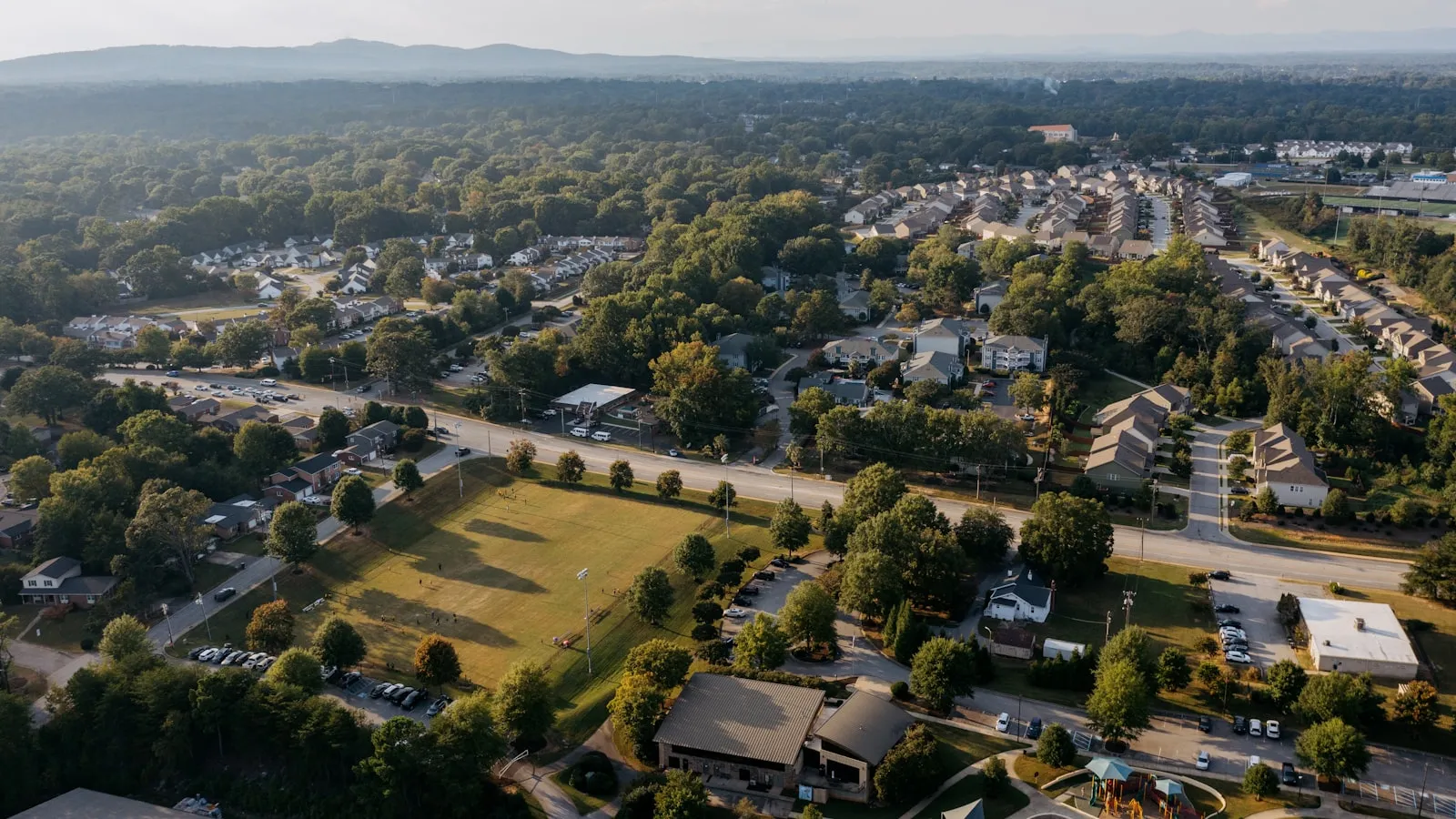
There's a spreadsheet somewhere that runs your entire neighborhood.
It lives on the treasurer's laptop. It tracks who paid their dues this year, who didn't, and who paid but you're pretty sure that check bounced. There's a tab for the landscaping budget, a tab that nobody remembers the purpose of, and a column of phone numbers that's two board terms out of date.
When the treasurer's term ends, you cross your fingers that they remember to email it to the next person — in a format that person can actually open and understand.
If you volunteer on the board of a small homeowners association or run a neighborhood community group, you know this spreadsheet. You might be the spreadsheet.
You didn't take the role because you love bookkeeping. You took it because someone had to, and because you care about where you live. But somewhere along the way, the job became less about the neighborhood and more about chasing checks, printing notices, and answering the same three questions on a reply-all thread.
There's a calmer way to run a self-managed community. Let's walk through it.
Not every HOA should run on free tools, and we won't pretend otherwise.
If you manage a large association with hundreds of doors, paid staff, reserve studies, vendor contracts, and a property-management company on retainer, you likely need dedicated property-management software built for that scale — accounting integrations, work-order systems, the works. That's a different category of tool, and it costs accordingly.
This guide is for the other group: the volunteer-run, self-managed community that's currently held together by a spreadsheet, a group email, and a treasurer collecting checks at the mailbox. The 30-home subdivision. The condo board of nine units. The neighborhood association with no legal mandate at all, just a shared driveway and a shared interest in keeping things nice.
If that's you, the rest of this is for you.
Strip away the noise and a self-managed community board does four things, over and over:
Most boards do all four with consumer tools that were never designed to talk to each other. Dues come in by check or Venmo. Announcements go out by paper notice taped to mailboxes, or a forwarded email. Meetings get scheduled by reply-all. Records live wherever the last volunteer happened to put them.
Each piece works on its own. Together, they create the chaos. Let's take them one at a time.
Dues are the part everyone dreads, on both sides.
The board dreads chasing them. You send a notice, half the neighborhood ignores it, and now you're knocking on doors or sending the awkward "hey, just a friendly reminder you still owe..." text. Residents dread them too, partly because writing a check feels like a chore from 2005, and partly because they have no idea where the money goes.
That second part matters more than most boards realize. Residents trust a board they can see. When dues disappear into an account they never hear about again, suspicion fills the gap. Why did dues go up? What happened to the surplus? Who approved the new fence quote? Absent clear answers, neighbors assume the worst.
You can fix both problems at once.
Letting residents collect dues online removes most of the friction. Each household pays from their phone with a card. Payments are recorded automatically against their name, receipts go out instantly, and you stop tracking down twelve checks every quarter. Set the annual or quarterly amount once, and the system keeps a running record of who's current and who's behind — no spreadsheet column to update by hand.
The trust part comes from making the money visible. Inside OEASE, every dollar lives in a transparent ledger with budget "pockets" — think of them as labeled envelopes. One pocket for landscaping, one for snow removal, one for the reserve fund, one for the summer block party. Move dues into pockets so the whole board can see what's committed versus what's actually free to spend.
When a neighbor asks "can we afford to repave the entrance?" the answer isn't a guess or a week of digging through bank statements. It's right there. And when residents can see that their dues went toward the landscaping they look at every day, the annual dues conversation stops being a fight.
Here's the difference in practice:
| The spreadsheet era | The shared-ledger era |
|---|---|
| Dues collected by check or Venmo, logged by hand | Residents pay online; payments recorded automatically |
| "How much have we collected?" → ask the treasurer | Anyone authorized can see the running total |
| Budget lives in one person's head | Budget pockets show what's committed vs. available |
| Receipts? Maybe, if someone remembered | Receipts sent the moment a payment clears |
A quick, honest note on cost, because you'll ask: OEASE is free to use, with no per-home charge and no subscription. When residents pay dues online, there's a small 1.3% platform fee on top of Stripe's standard processing rate (2.9% + 30¢ per payment). On a $200 quarterly due, that's a couple of dollars — far less than the time and goodwill you spend chasing paper checks. If your community decides to keep collecting dues by check, you pay nothing at all. (We wrote separately about why the platform is free and how that stays sustainable.)
The second job is communication, and it's where most neighborhoods quietly fall apart.
The paper notice taped to the mailboxes gets rained on, ignored, or never seen by the renter who actually lives there. The group email turns into a 40-message reply-all argument the moment one person hits "Reply All." The Facebook group has half the neighborhood in it and excludes the half that isn't on Facebook.
What you need is a single, reliable way to reach residents — and the ability to reach some of them when a message only concerns some of them.
Announcements solve this. You write one message — "Water will be shut off Tuesday 9am–noon for the main-line repair" — and it goes to every household on the roster at once. No reply-all chaos, because it's a broadcast, not a thread. Residents get the information; they don't get forty notifications about Brenda's opinion on the repair.
When a message only concerns part of the community, you target it. Organize residents into groups — by building, by street, by committee — using departments and teams (which work nicely as your "committees" and sub-groups). Then send the pool-key reminder only to the units with pool access, or the parking-lot-resealing notice only to the affected row. The landscaping committee gets the bid updates; everyone else gets left in peace.
The quiet benefit: every announcement becomes part of the record. Six months from now, when someone insists they were never told about the assessment, you don't have to dig through your sent folder. The notice is there, dated, sent to the whole roster.
Board meetings are small — usually five to nine people trying to find one evening that works. And yet scheduling them eats a startling amount of energy.
You send the email: "Can everyone do Tuesday the 14th?" Two people can. One can do Wednesday. One doesn't reply for four days. By the time you've untangled it over a dozen messages, you've lost a week and the agenda item that needed a vote is now urgent.
We've written about why scheduling board meetings by reply-all is such a reliable time-sink — every "I can't do that, how about..." resets the whole thread.
Time Polls fix the loop. You propose a handful of windows, send one link, and each board member marks when they're free. The overlap shows up automatically. You pick the slot the most people can make and send the calendar invite. No thread, no chasing the one person who never replies, no doing the mental math of nine people's availability in your head.
It's a small thing. But "small things repeated every month for years" is exactly what burns volunteers out, and exactly what good tools should absorb.
Here's the failure mode that quietly kills self-managed communities: the annual reset.
Most volunteer boards turn over every year or two. And every time they do, the institutional memory walks out the door. The dues history was in the old treasurer's spreadsheet. The vendor contacts were in the old president's phone. The reasoning behind last year's special assessment was in someone's head, and that someone moved away.
The new board inherits a bank account, a vague sense of obligation, and almost no usable history. They re-learn lessons the last board already learned. They re-negotiate things the last board already settled. Residents notice the discontinuity, and it erodes confidence in the whole arrangement.
An organization-wide system solves this almost as a side effect. When dues, payments, budgets, announcements, and the resident roster all live in one shared account — not on any one volunteer's device — the records don't belong to a person. They belong to the community.
When the board changes, you don't export and re-import a spreadsheet and hope the formulas survive. You change who has access. The new treasurer logs in and sees the full payment history. The new president sees every announcement that's gone out. The budget pockets carry forward, balances intact. Custom roles and permissions let you hand the right level of access to the right person — treasurer, secretary, board member — without giving everyone the keys to everything.
The neighborhood's memory stops living in someone's email and starts living somewhere durable. That alone is worth the switch.
One more thing it quietly produces: a website you don't have to build. As you manage the community, OEASE can publish an auto-updating page — a Bio Page on oes.bio — where prospective buyers and current residents find the board, the basics, and how to get in touch. No webmaster, no annual "the site is out of date again" scramble.
You don't have to move everything at once. The boards that make this stick tend to start with the part that hurts most:
None of it requires a technical background, a budget line, or a vote to approve software spending. It's free for your community to use, and you pay only the small processing fee when residents actually pay dues online — nothing otherwise.
Running a neighborhood was never supposed to be a second job spent wrestling spreadsheets and chasing checks. It was supposed to be about the place you live and the people you live near. Technology should liberate human connection, not complicate it — and a board that spends less time on admin is a board with more time for the community it actually signed up to serve.
If your HOA has been held together by a spreadsheet and good intentions, give OEASE a look. Your next treasurer will thank you.
How to Run a Youth Sports League: From Registration to Game Day
Running a youth sports league on spreadsheets, Venmo, and group texts? A season-long playbook for registration, fees, scheduling, parents, and game day.
Fraternity & Sorority Chapter Management, Made Simple
Dues, rush, socials, and a new exec board every year. Here's how to run a Greek-letter chapter without the chaos — and without losing everything when officers turn over.